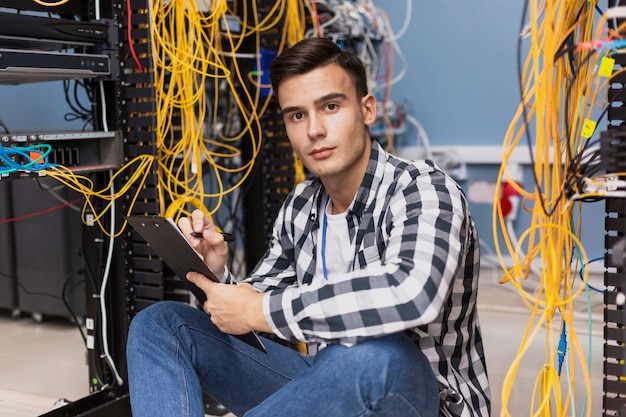
Every computer and every network relies on hardware components and communication systems working together. Understanding Computer Hardware & Networking helps you build, maintain, troubleshoot, and support computers and office networks with confidence. At Konkan Technology Services, our Computer Hardware & Networking Course is designed for students, IT beginners, and early-career professionals who want a strong foundation in both hardware and networking basics. This course combines practical skills with clear concepts so you can diagnose real problems and support systems like a junior technician.
A structured curriculum designed to take you from beginner to confident
Introduction to computer hardware and its role.
Basic internal components: CPU, motherboard, RAM, storage (HDD/SSD), power supply.
External devices and peripherals: monitors, keyboards, mice, printers, and USB devices.
Assembling and disassembling a desktop computer.
Understanding cables, connections, and power.
Basic hardware troubleshooting.
Maintenance and cleaning of computers.
Introduction to computer networks and their importance.
Network types: LAN, WAN, WLAN (Wi-Fi).
Basic network devices: routers, switches, modems, and adapters.
IP addressing and basic network configuration.
Practical network setup and troubleshooting.